 Join our Discord
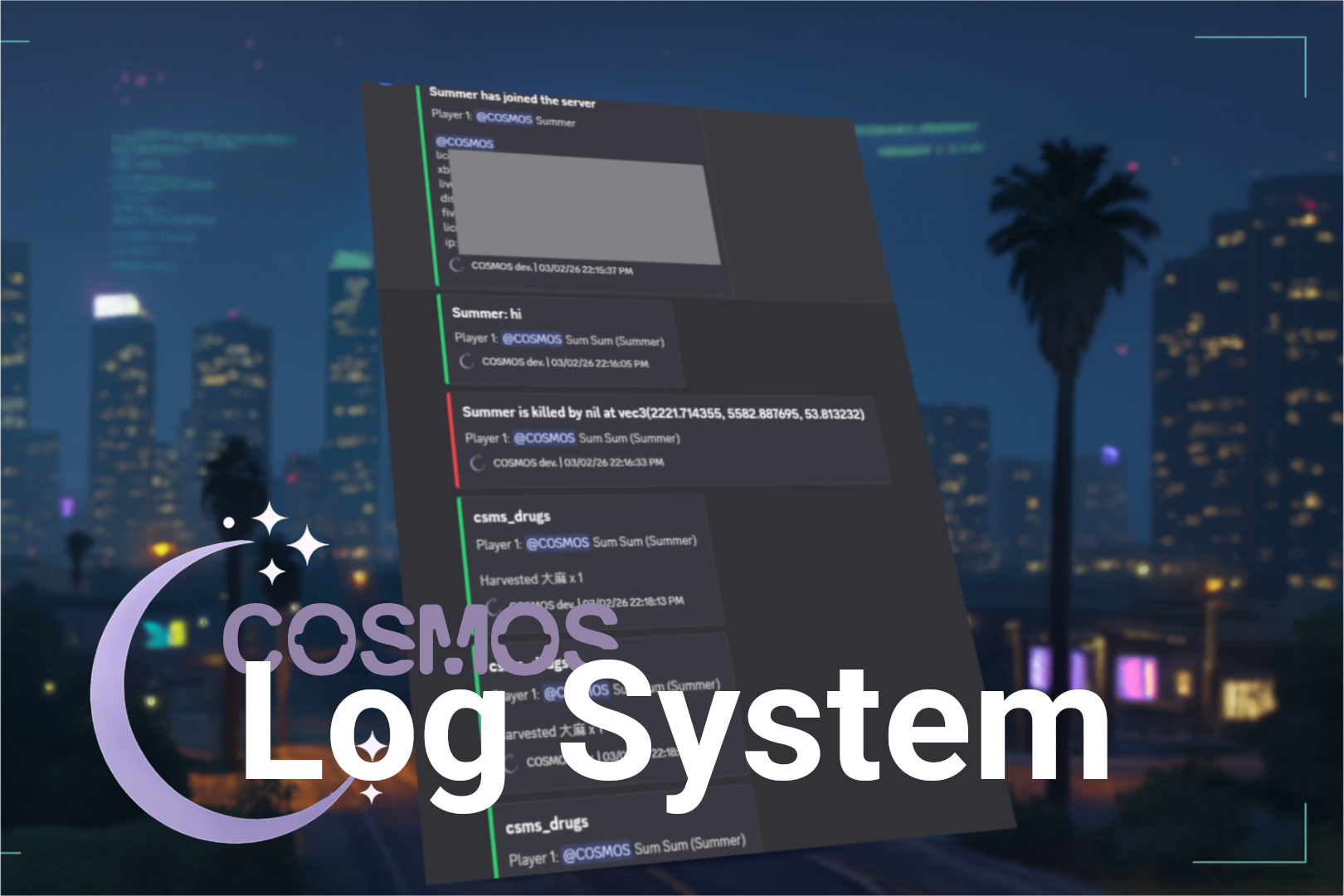
【CSMS log】provides functionality to send messages from both client and server sides to the backend via Discord Webhook embeds.
🎯 Features
Built-in loggers: Includes default logging for player connections, player drops, player deaths, and chat messages.
ox_lib compatibility: Supports directing ox_lib logger messages to a Discord webhook (especially useful in directing the built-in log message in ox_inventory).
Timestamps included: Configure multiple crafting and dismantling recipes, even for the same item.
🔗Highlights
Convenient webhook setup: The webhook can be passed directly as a parameter, eliminating the need to configure it in the config file.
Configurable default loggers: Easily enable or disable the built-in loggers in the config file.
Target player support: Allows logging of events involving multiple players by including a target player argument.
🛠️ Dependencies & Installation
Dependencies
Framework — ESX (optional)
ox_lib (optional)
Installation
Place the folder into your server's
resourcesdirectory and rename it as csms_log .Add your webhook links for the default loggers in
config.lua.Setup by referring to Documentation-Usage.
(optional) Setup for the compatibility with ox_lib logger (see Ox_lib setup).
Add
ensure csms_logto yourserver.cfg.
Need help? Join our community on Discord for support and updates.